
Test build for Android
Get the Roadelle app
The app is in testing. An Android phone installs it straight from this page. There is no iPhone build yet.
Download for Android- Size
- 30.5 MB
- Needs
- Android 7 or later
- Published
- Sep 27, 2026
- Build
- d46c399ba
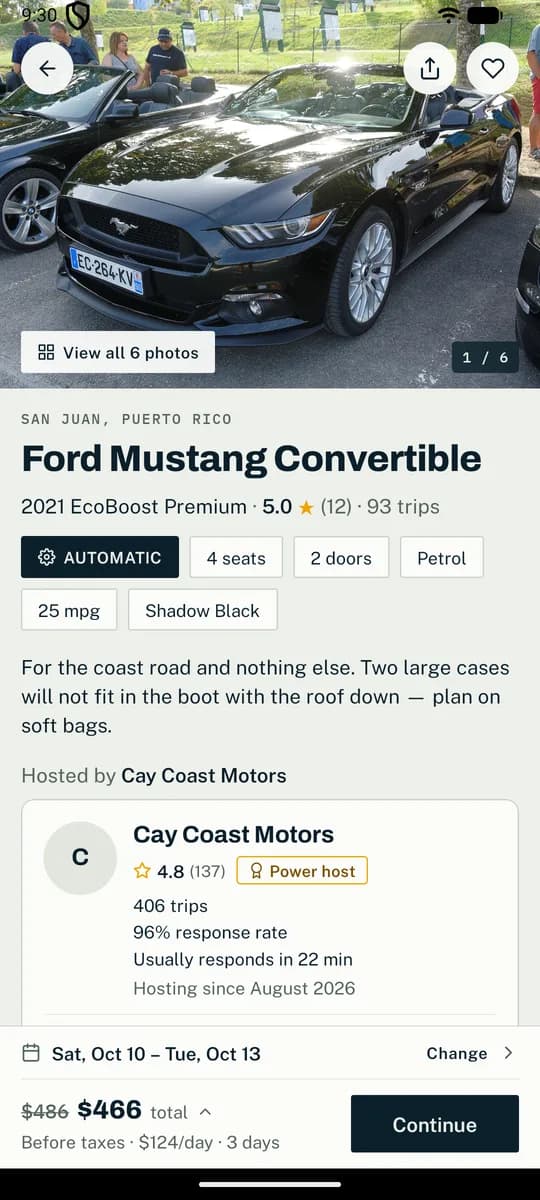
Inside the app
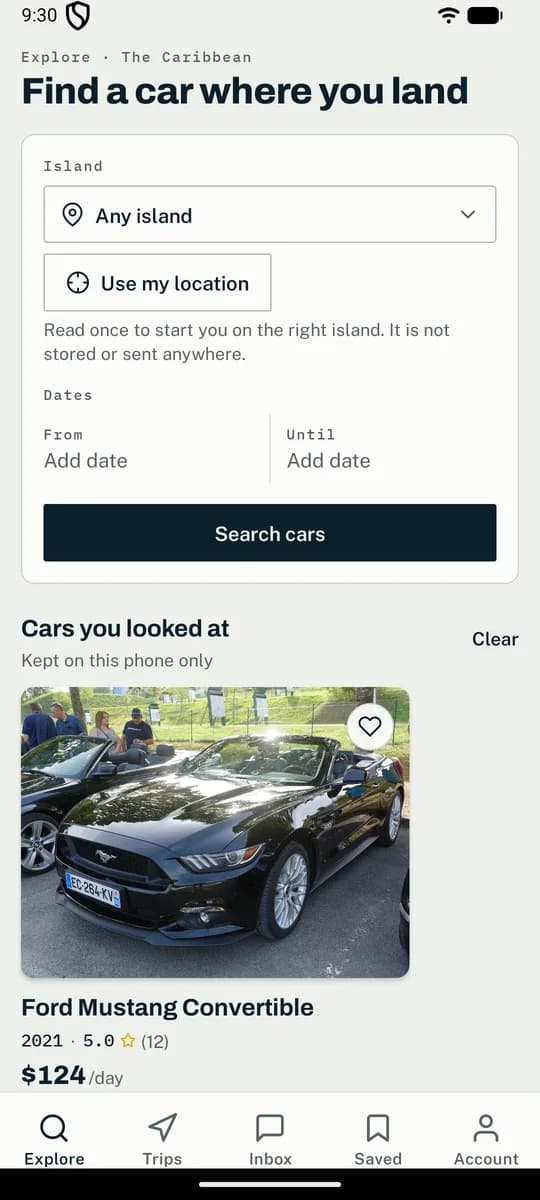
ExploreCars on your island, with the day rate in US dollars on every card. 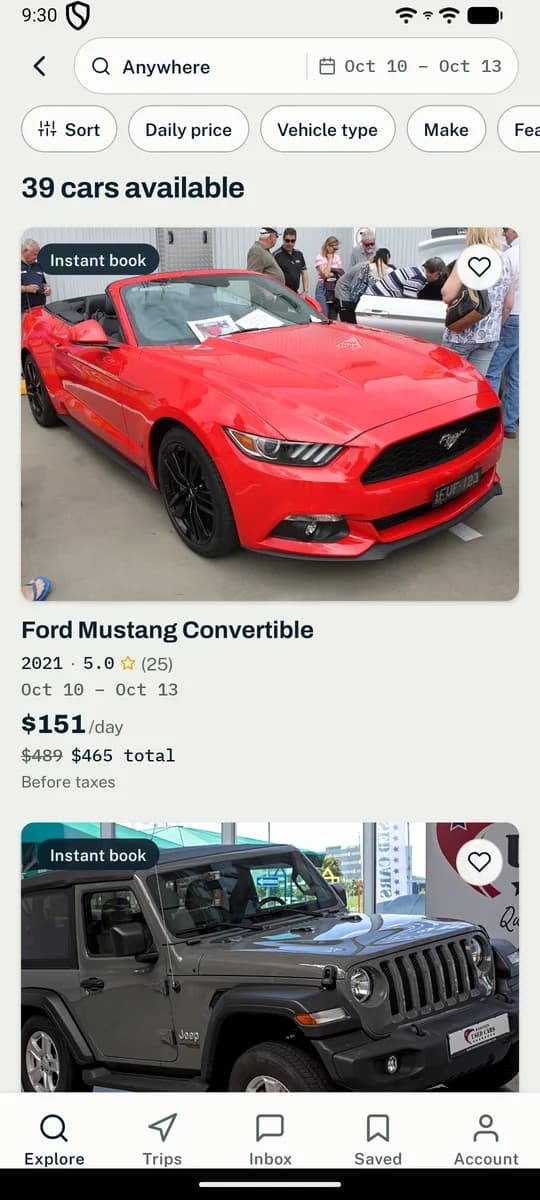
SearchEvery car free on your dates, with its price per day and the total for the trip. 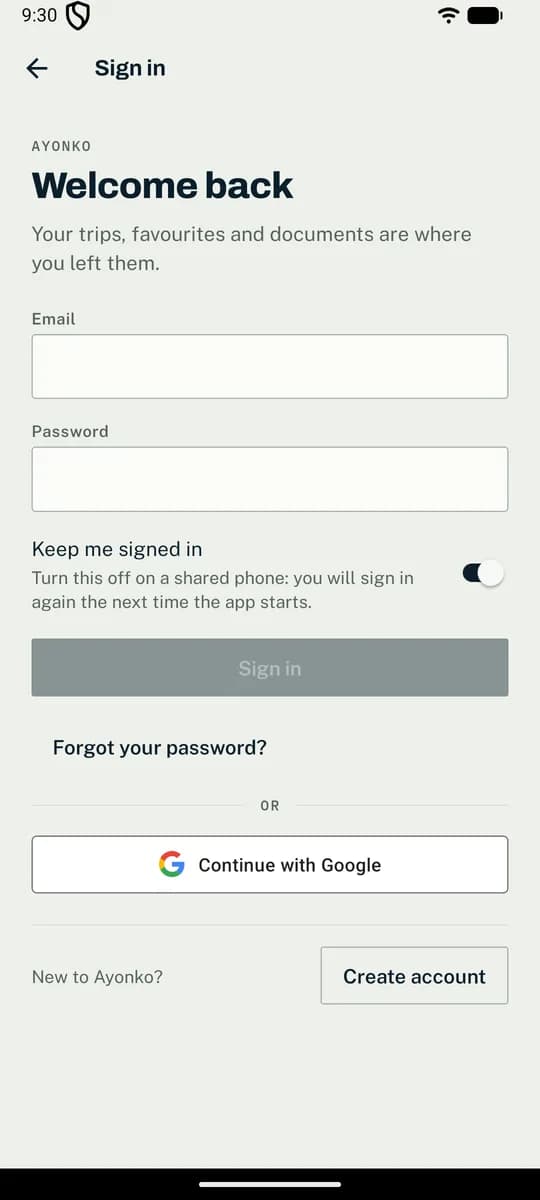
Sign inWith your email and password, or with your Google account.
Installing it
- Open this page on the phone and tap Download for Android.
- Open the downloaded file. The first time, Android asks you to allow installs from your browser: allow it, then go back.
- Tap Install, then Open.
After that, Roadelle keeps itself up to date. When a new build is posted here, the app downloads it and Android asks you to tap Update. Builds from before 1.16.0 cannot do this, so install 1.16.0 or later by hand once.
Installed Roadelle before 19 September 2026? Uninstall it once first. Builds are now signed with Roadelle’s own key, and Android will not update an app across a change of key.
iPhone
Roadelle runs on the iPhone as a home-screen app: the same site, full screen, with no browser bar. It books, checks in and messages exactly as the Android app does. What it is not is an App Store app — Apple lets nothing onto a phone unsigned, and the signature Roadelle would need comes with a paid Apple Developer Program membership it does not have yet. The app itself is below, unsigned, for whoever will sign it with their own Apple ID.
Add Roadelle to my home screen- Open this page on the iPhone, in Safari, and tap the button above.
- Safari hands the file to Settings. Tap Allow, then open Settings, where it waits at the top as a downloaded profile.
- Tap Install, and Install again. It says Unverified because nobody has signed it; it contains one thing, the Roadelle icon, and you can remove it like any app.
You can do the same by hand, without the profile: in Safari, tap Share, then Add to Home Screen.
The app itself, unsigned
The iPhone app is built, and here to download. Apple will not let it onto a phone without its signature, and that signature needs a paid developer membership Roadelle does not have — but you can sign it yourself, with your own Apple ID, using a free tool on a computer. It is more work than the home-screen app above, and it gives you the real app.
Download the unsigned app · 10.9 MB- On a Windows PC or a Mac, install Sideloadly (sideloadly.io) or AltStore. Both sign apps with an Apple ID you give them; that sign-in goes to Apple, never to us.
- Download the file above on that computer, and connect your iPhone with a cable.
- Drag the file into Sideloadly, enter your Apple ID, and install. On the phone, the first launch needs Settings, General, VPN & Device Management, where you trust yourself as the developer.
Apple gives a free Apple ID seven days of signature at a time, and three sideloaded apps at once. After a week the app stops opening until you install it again the same way. The home-screen app above never expires, and takes two taps.
Signing in
Test accounts, the sandbox payment options and the fifteen scripted scenarios are in the testing guide your coordinator sent. Real cards are never charged.